CHIPSET: Gospell GX6605STYPE: HW102 boardSTATUS: ACTIVE
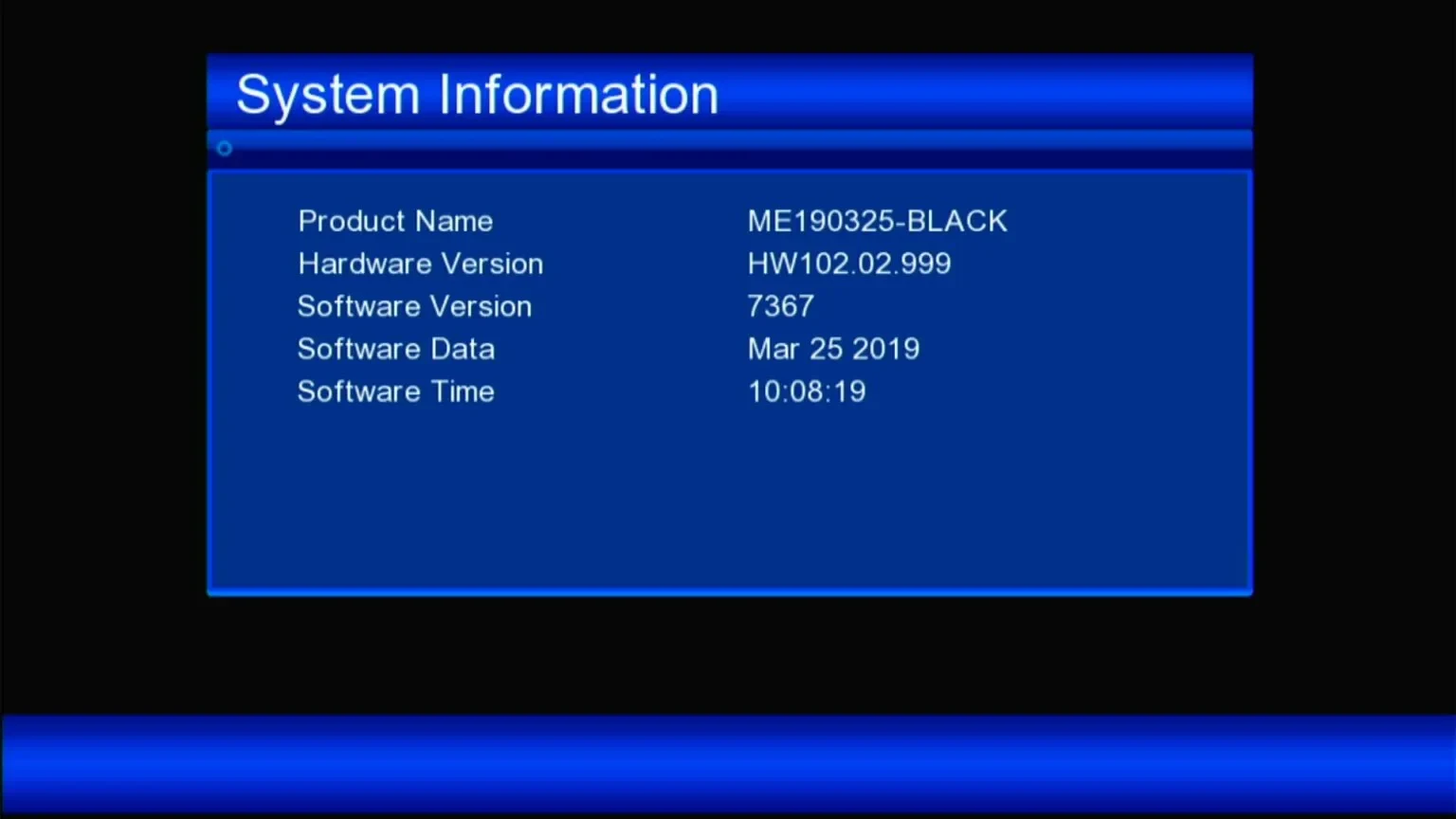
Latest firmware files for the GX6605S HW102 board revision (ME190325-BLACK), with Zoom Signal, PowerVu EMM Key support and PVR-ready Media Center.
FW / Available Versions
The files below are official / community-tested firmware versions. Match your exact model number before updating.
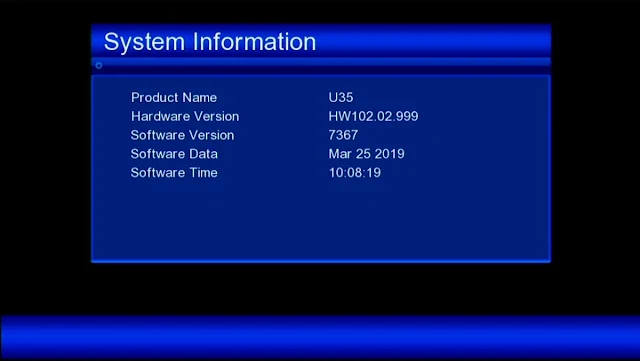
HW102.02.999 · SW 73672019-03-25
GX6605S HW102 user software with PTV Sports OK and Patch menu code 7861
🚀 GX6605S-S22005-V1 — HW102.02.999 PTV Sports OK Software (SW 7367)
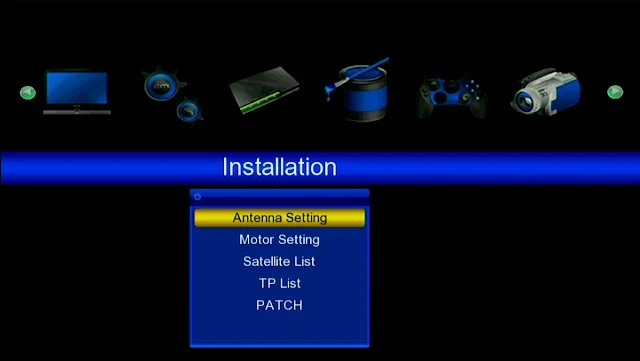
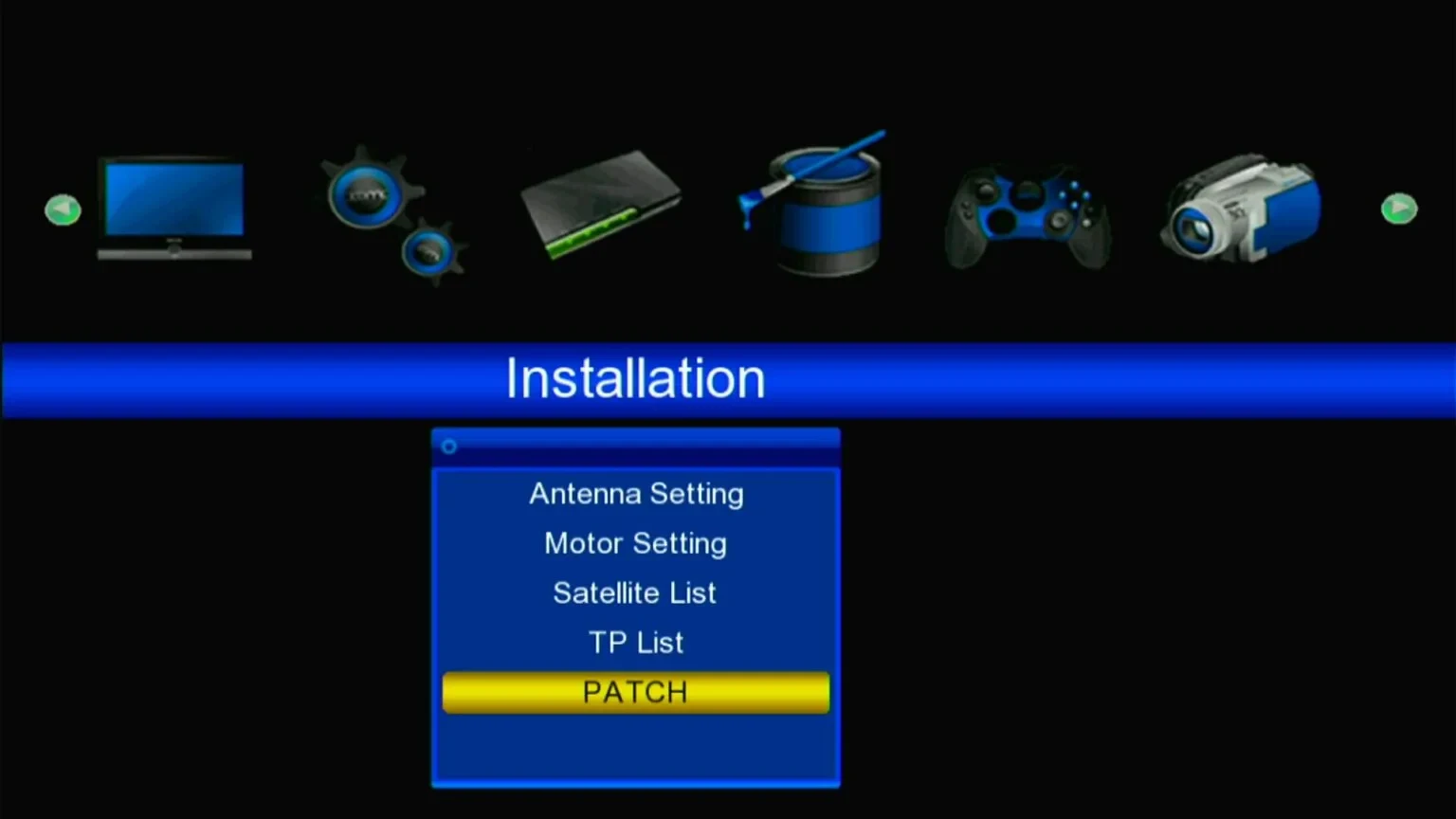
User software for the GX6605S HW102.02.999 board type, an HD receiver build with PTV Sports OK. It adds the Patch menu (code 7861) and the installation tools for satellites, antenna and transponders.
✨ What's New
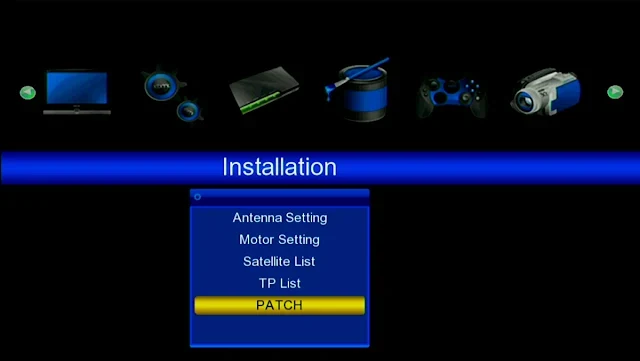
🔧Patch Menu Code 7861
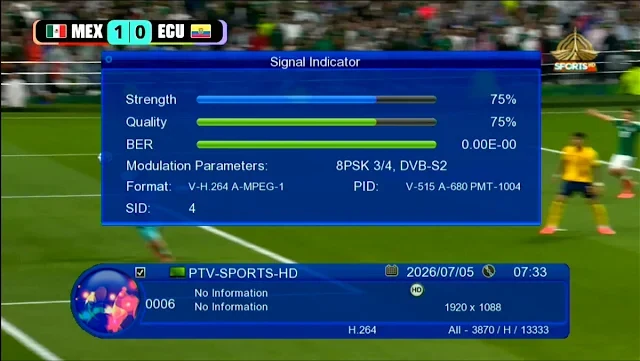
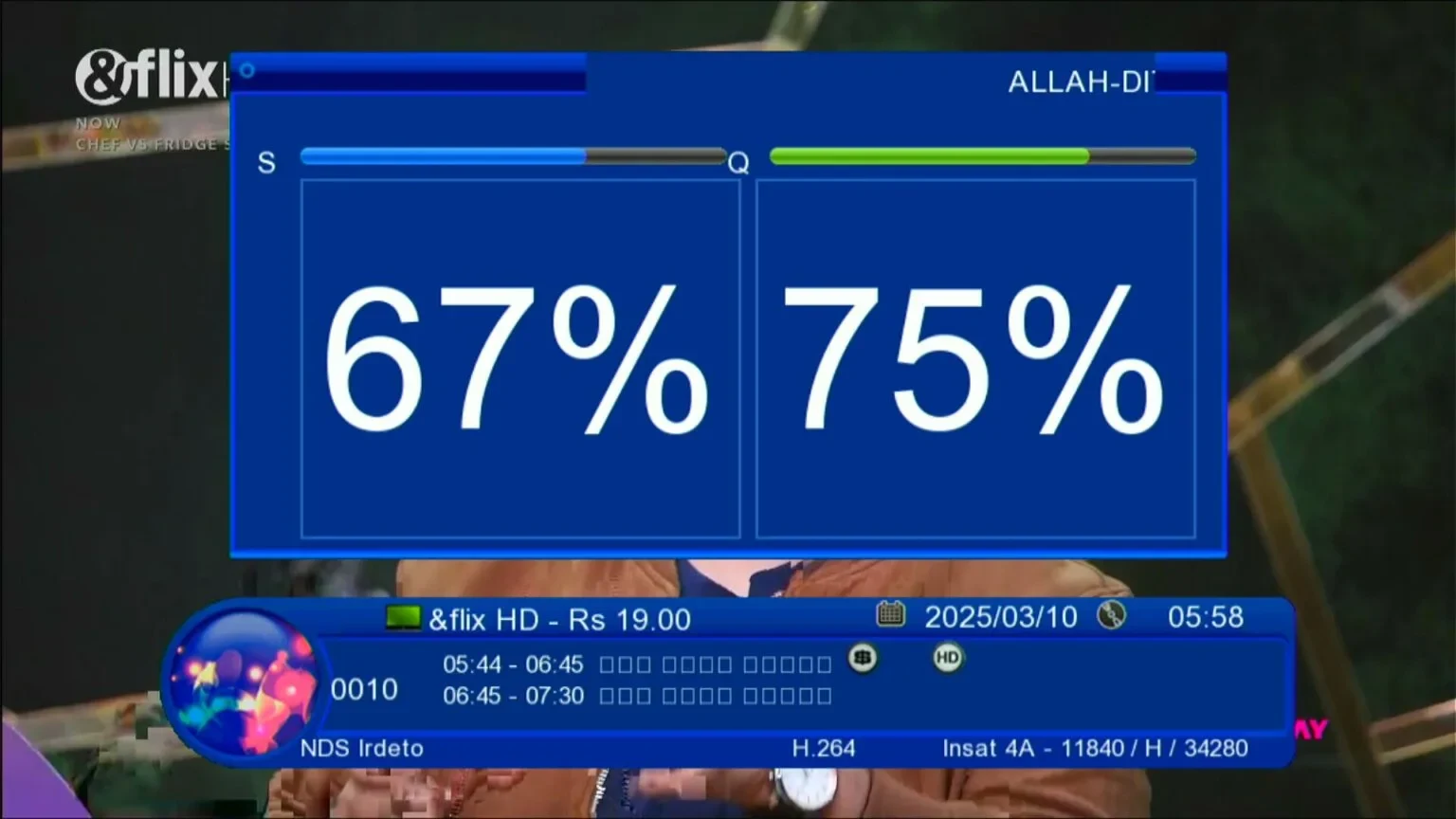
📺PTV Sports OK — PTV Sports HD channel with the info bar
🆕Software 7367 — release dated Mar 25 2019
🛰 Main Features
🛠️Installation Menu — Antenna Setting, Motor Setting, Satellite List, TP List and PATCH
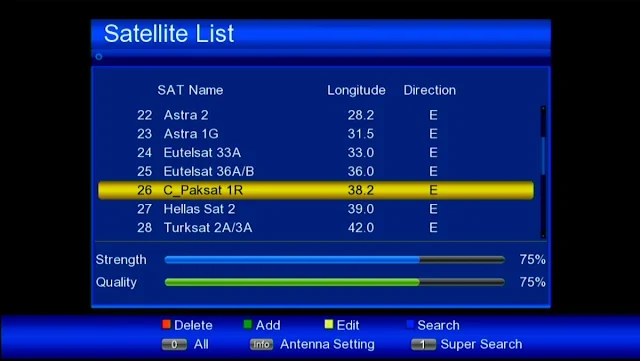
🛰️Satellite List — Add, Edit, Delete and Search, with Super Search and Antenna Setting shortcuts
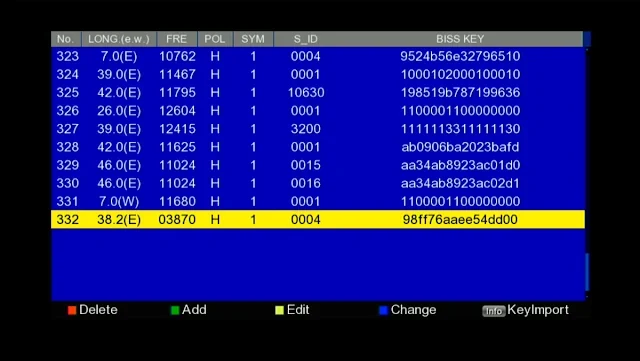
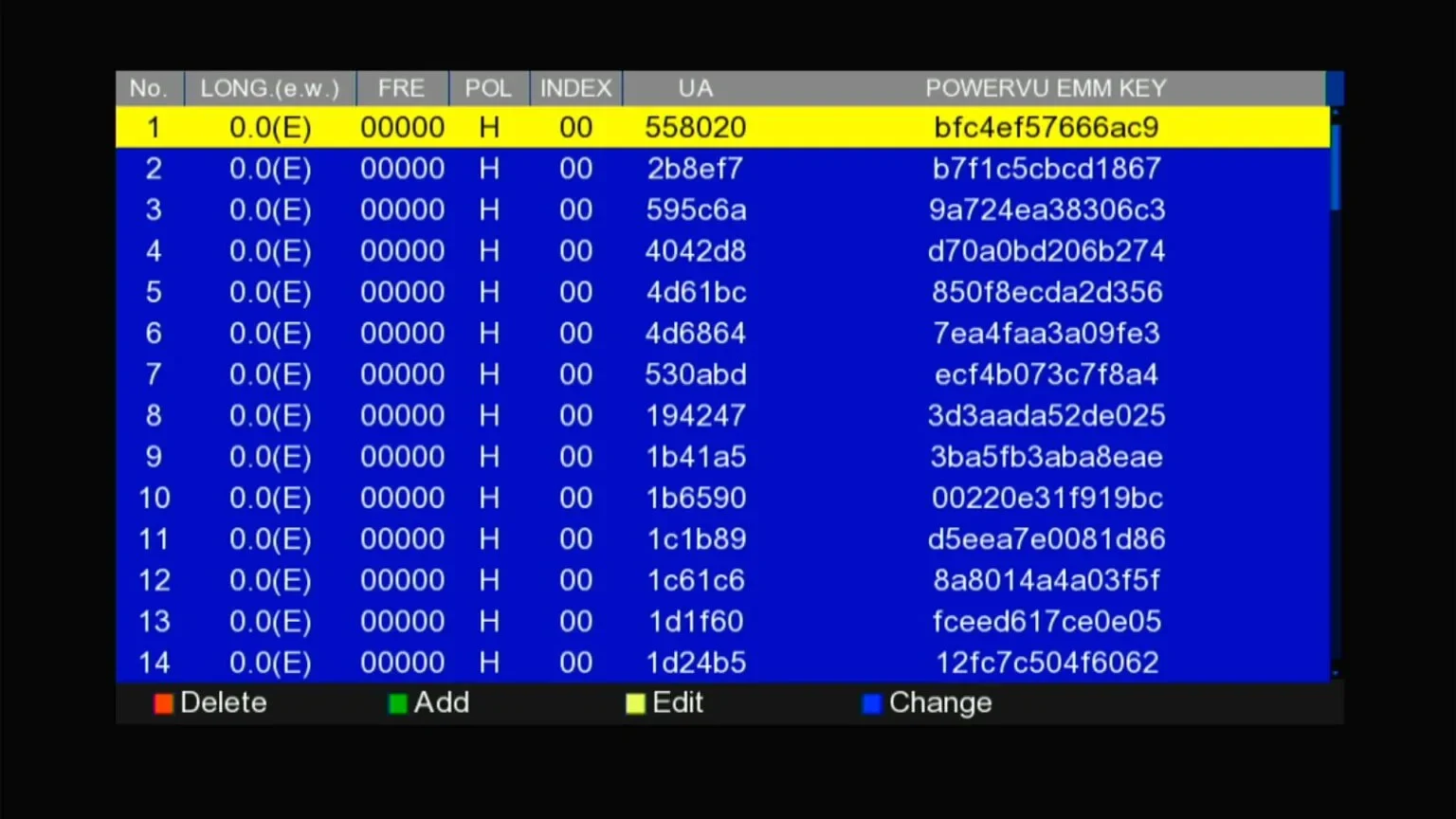
🔑BISS Key List — Add, Edit, Delete and Change keys, with Key Import (Info button)
ME190325-BLACK HW102.02.999 Zoom Signal Software 2026 — PowerVu EMM Key, BISS Key & PVR Media Center
🚀 ME190325-BLACK — HW102.02.999 Zoom Signal Software 2026
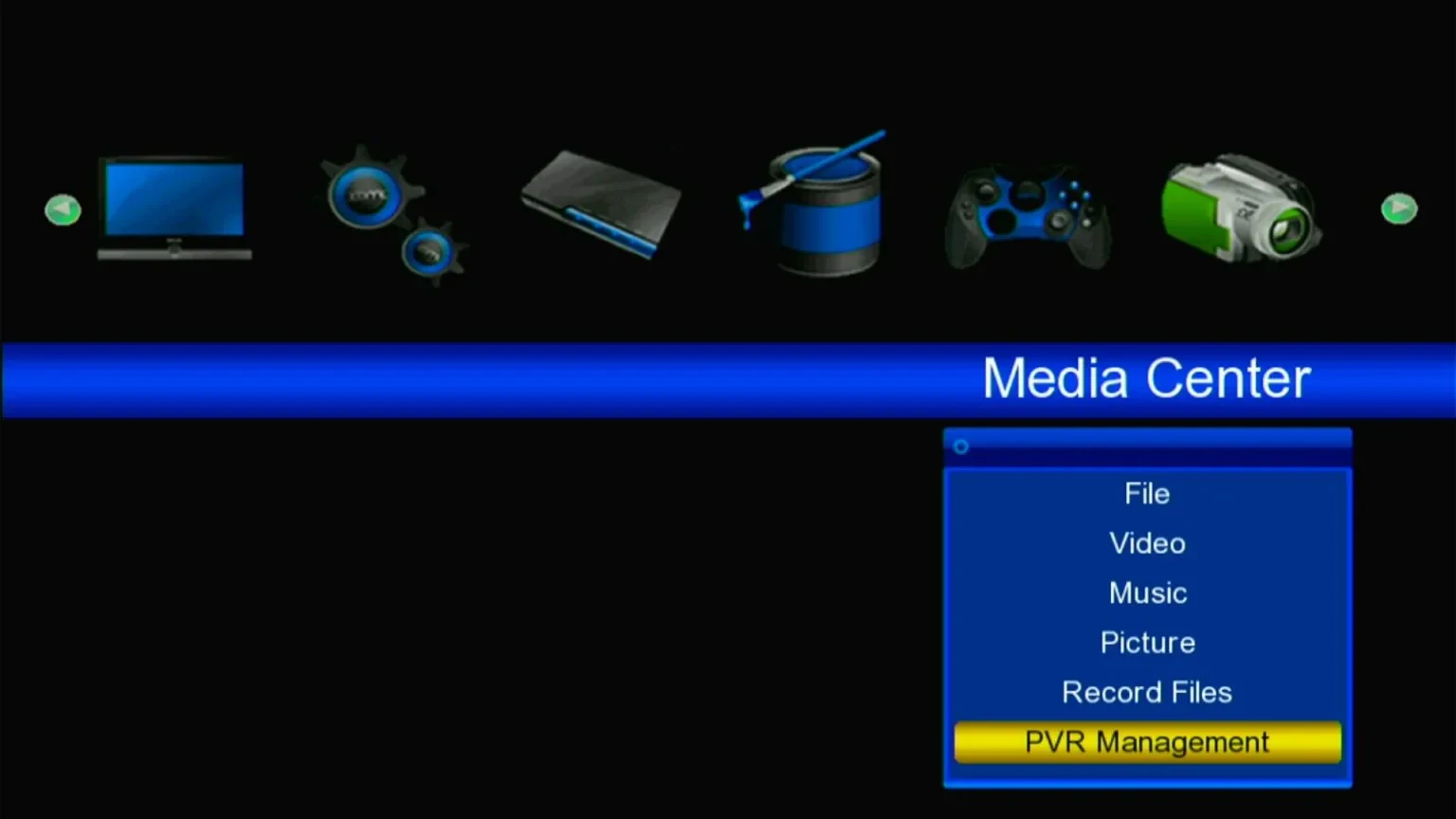
Latest HW102.02.999 build for the GX6605S HW102 board (ME190325-BLACK) — a big, clear Zoom Signal display, PowerVu EMM Key list, BISS key editor, and a full PVR-capable Media Center.
✨ What's New
📡Big Zoom Signal (S/Q %)
🔑PowerVu EMM Key List — Add, edit, delete and change keys directly.
🗝️BISS Key Edit & List
🎬Media Center — File, Video, Music, Picture, Record Files & PVR Management.
⏺️PVR Record / Pause / Rewind / Fast-Forward
📶WiFi Ready
🛠 Support
💾USB Playback & Recording
🧩Patch Menu
⚙️Updated System Information
⭐ ME190325-BLACK · HW102.02.999Zoom Signal • PowerVu EMM Key • BISS Key • Media Center • PVR • WiFi Ready
Check your exact model/version number on the panel or in the menu before updating. Installing the wrong firmware can brick your receiver — never power off during flashing.
How to update
Download the firmware file and copy it onto a USB drive formatted as FAT32.
Plug the USB into the receiver's port and open the Software Upgrade / USB Update option from the menu.
Select the correct file and start the update — do not power off during the process.
The receiver will restart automatically once the update completes.