Drivers for programmers and RS232 loader tools. Har driver ke screenshots, programmer aur loader ki pictures aur download neeche milenge.
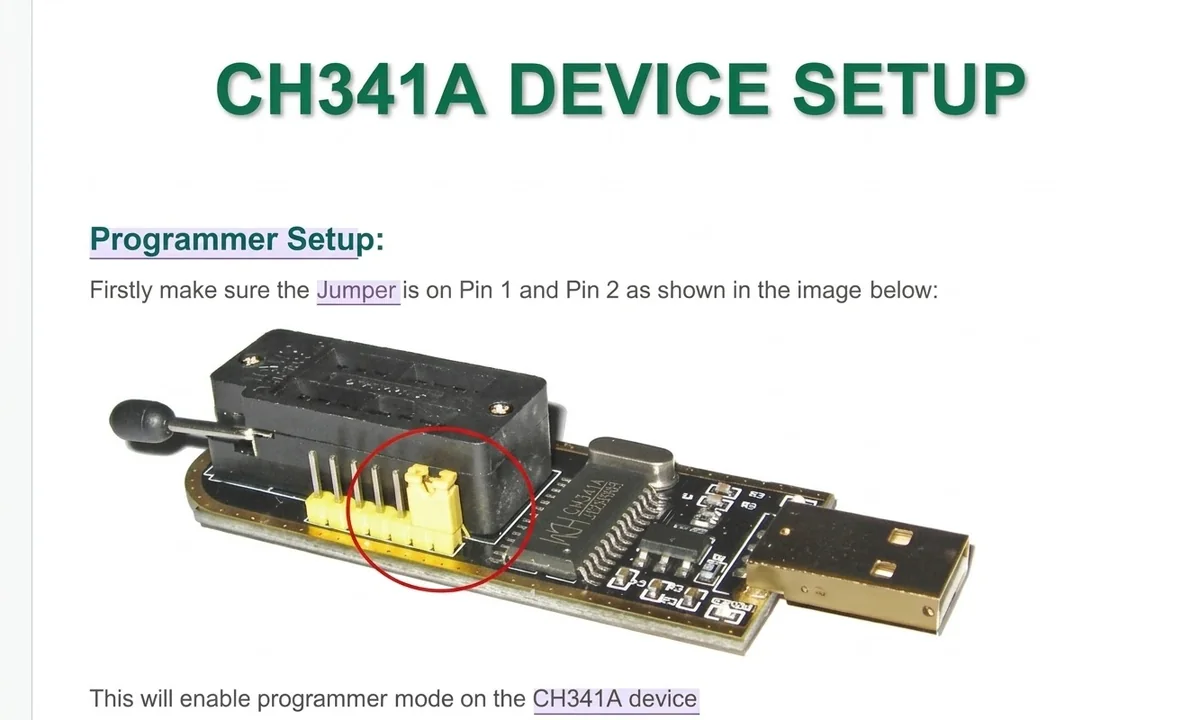
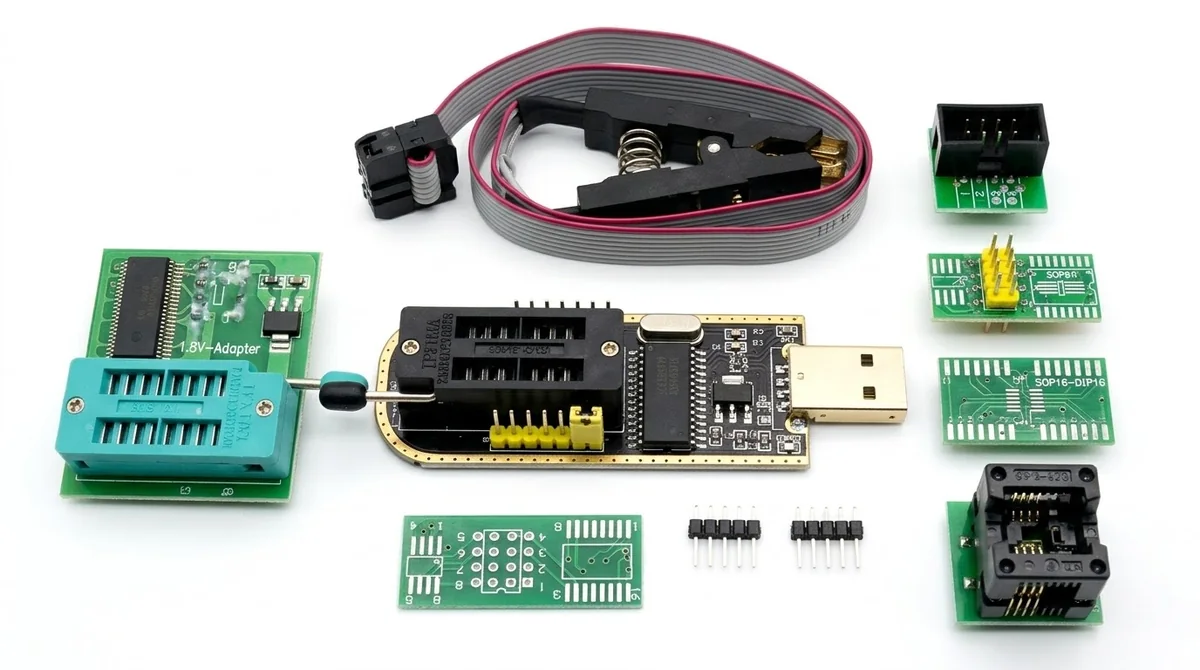
🔌 The CH341A USB driver bridges communication between your Windows PC and the CH341A programmer. Without it, your computer will not recognise the device, so you cannot read or write EEPROM or flash memory chips.
Before you start, make sure you have the official driver package. It normally contains:
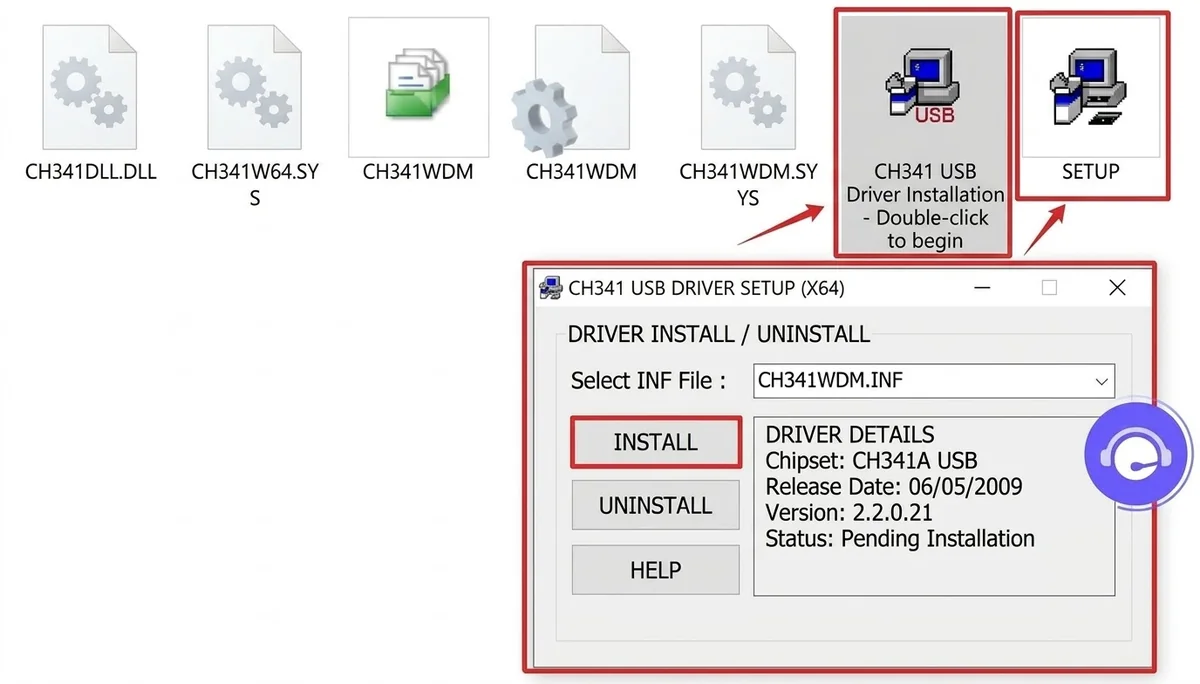
USB-EPP/I2C).CH341WDM.INF file and the SETUP executable inside.SETUP icon, or run the installer as administrator. The "DriverSetup" window will open with Install and Uninstall options.CH341WDM.INF is selected in the dropdown, then click INSTALL. The status panel will show the chipset details (Chipset: CH341A USB), the release date and driver version 2.2.0.21.After installing, confirm that Windows recognises the hardware:
WCH.CN USB-EPP/I2C CH341A is listed with no yellow exclamation mark or warning symbol.CH341WDM.INF manually.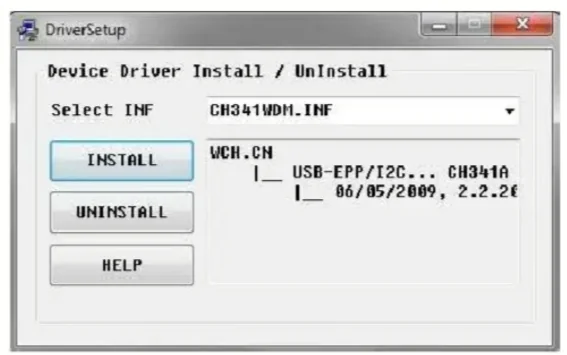
| Driver | Downloads | |
|---|---|---|
| EEPROM CH341A Programmer Driver | … | ⬇ Download |
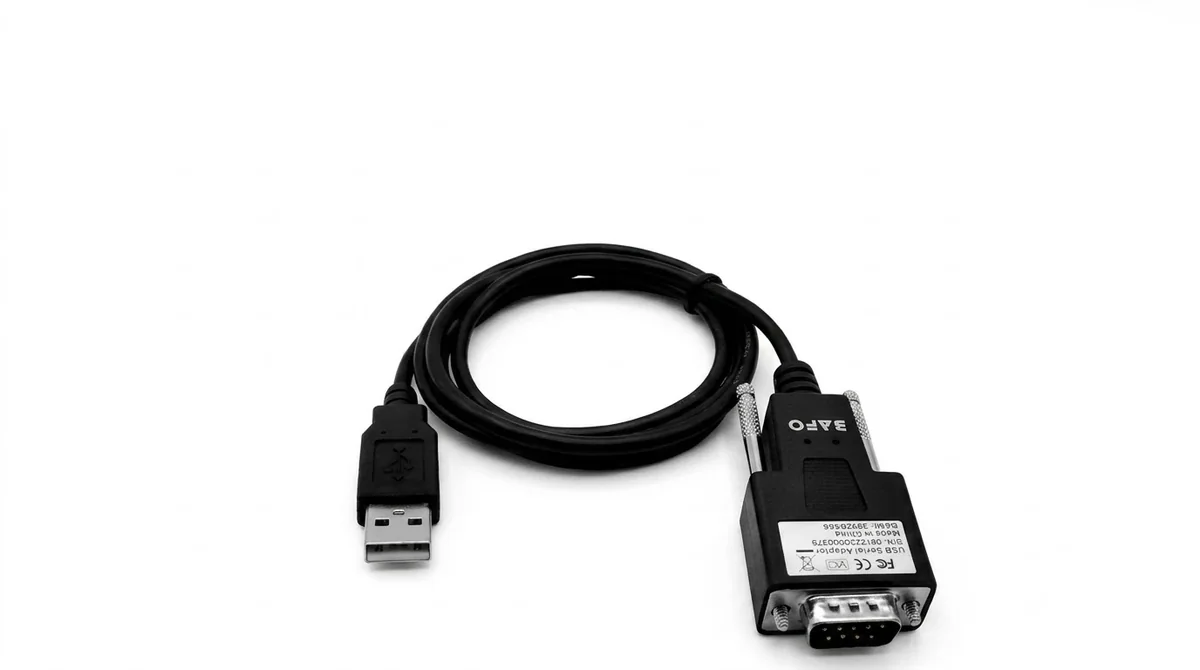
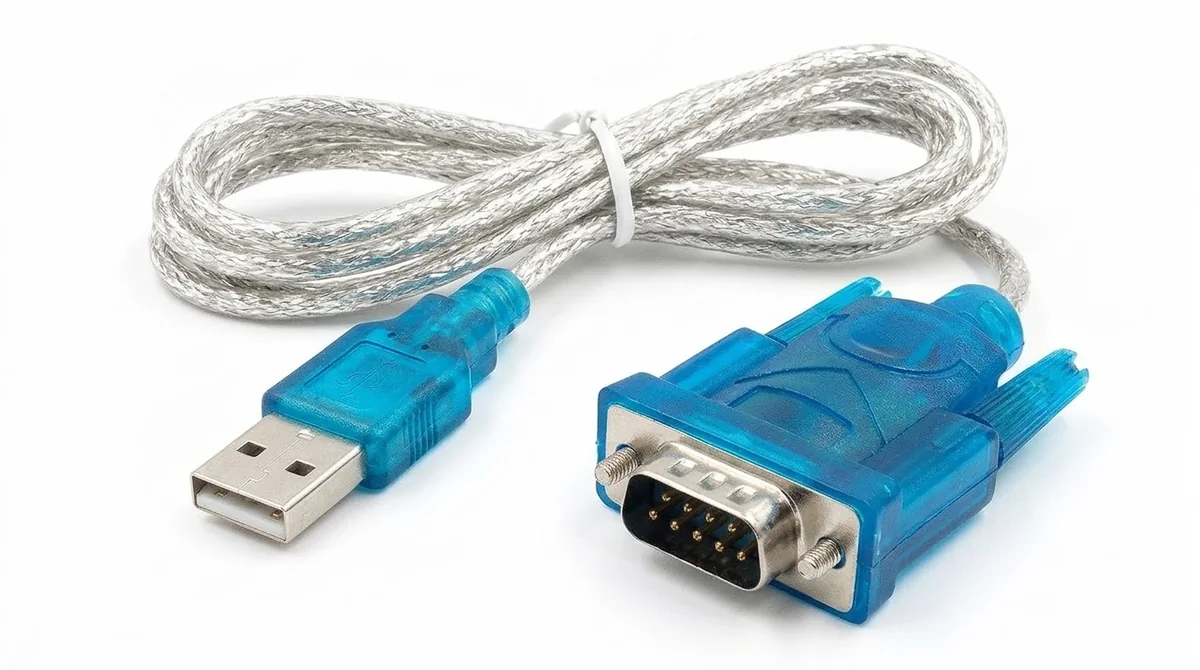
🔄 The CH340 USB-to-Serial adapter (often sold as a USB to DB9 RS232 cable) lets modern computers, which have no traditional serial port, talk to legacy serial devices, microcontrollers, satellite receivers and industrial equipment. To make the adapter work, you must install the correct WCH CH340 driver.
The official driver package normally contains these core files:
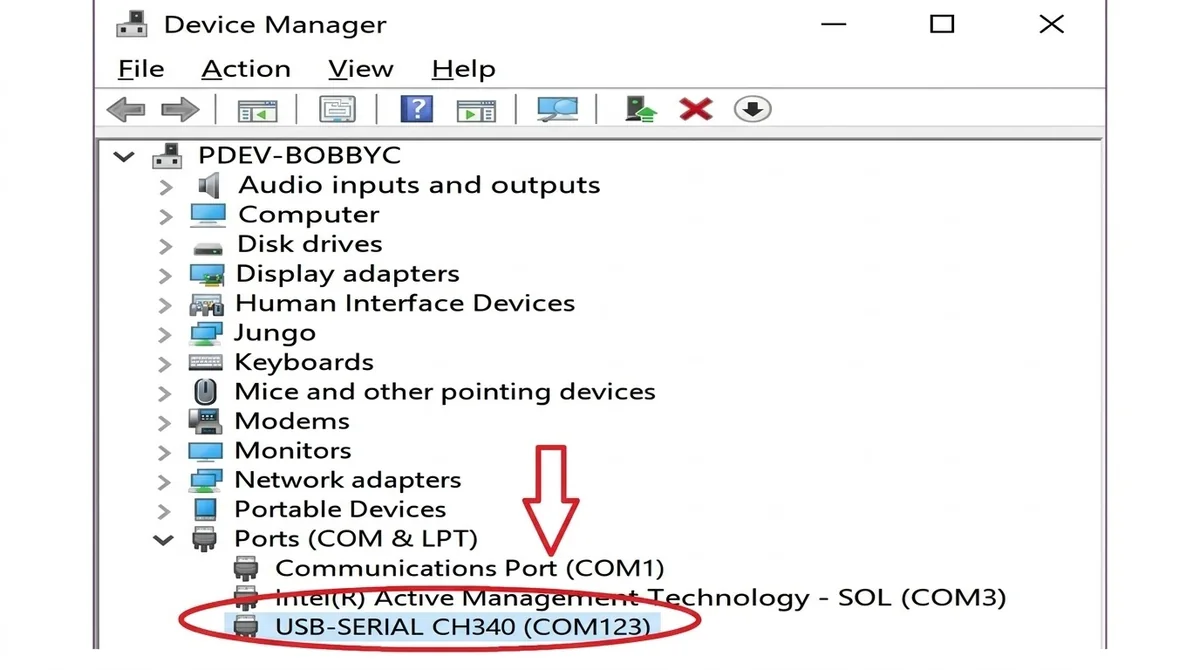
CH341SER.INF file and the setup executable inside.CH341SER.INF is selected in the dropdown, then click INSTALL. A success message or the updated status panel will show USB-SERIAL CH340 with its release date and version.After installing, confirm that your computer recognises the cable:
COM3 or COM123) and no warning symbol.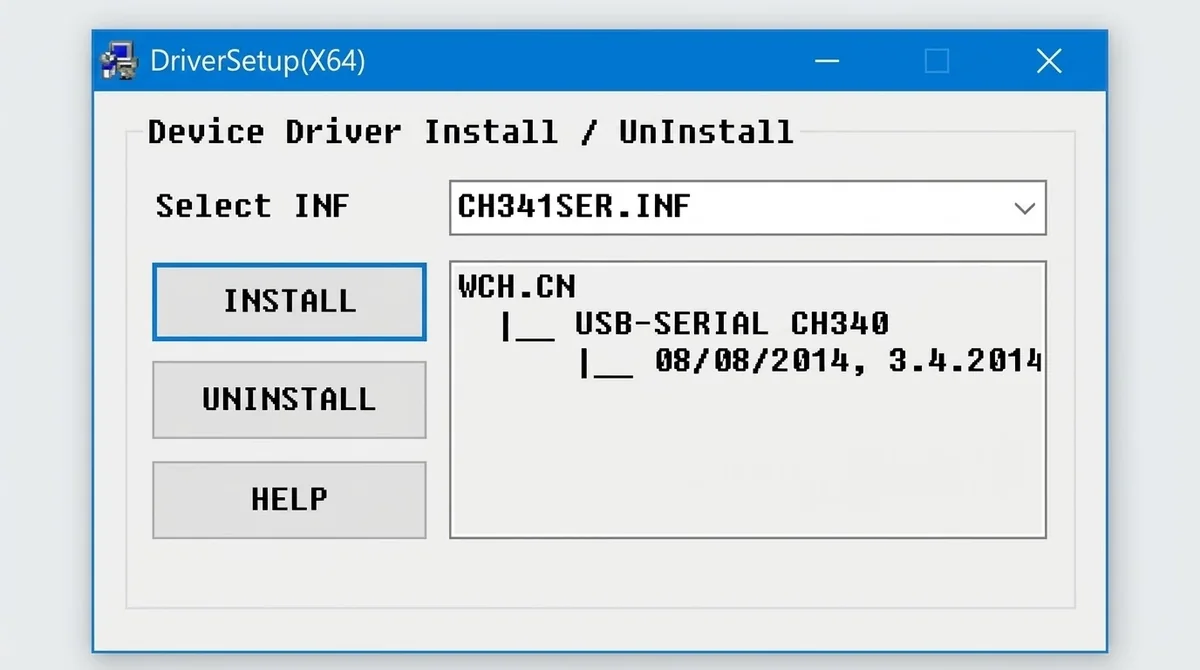
| Driver | Downloads | |
|---|---|---|
| CH340 USB to Serial Driver | … | ⬇ Download |
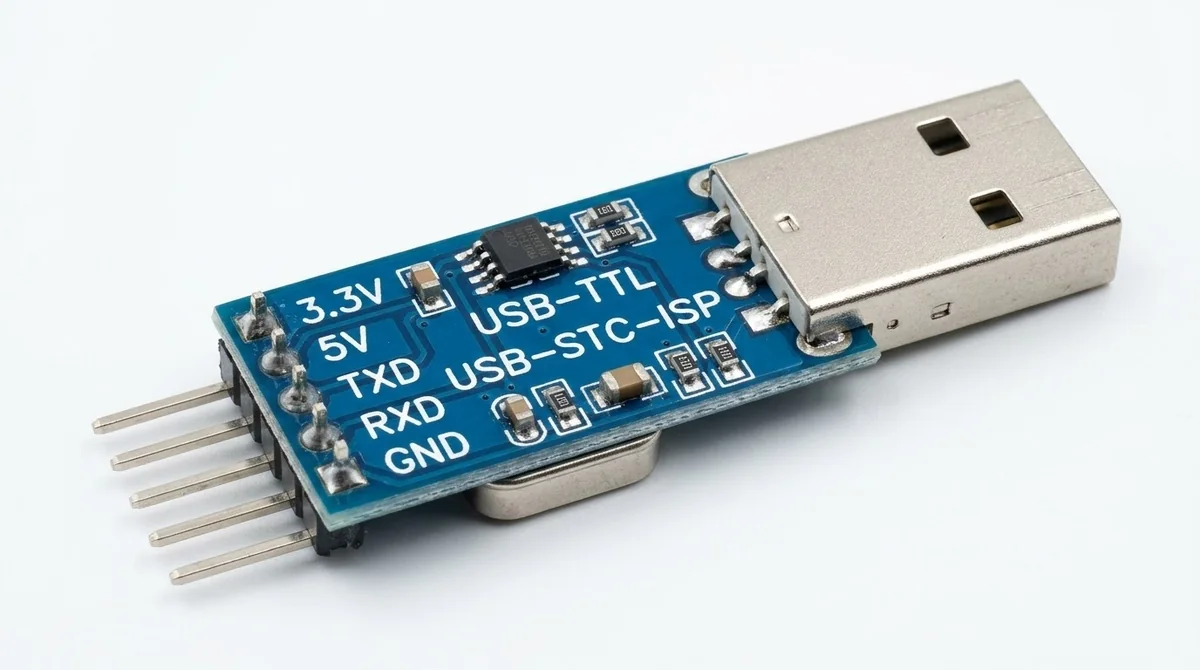
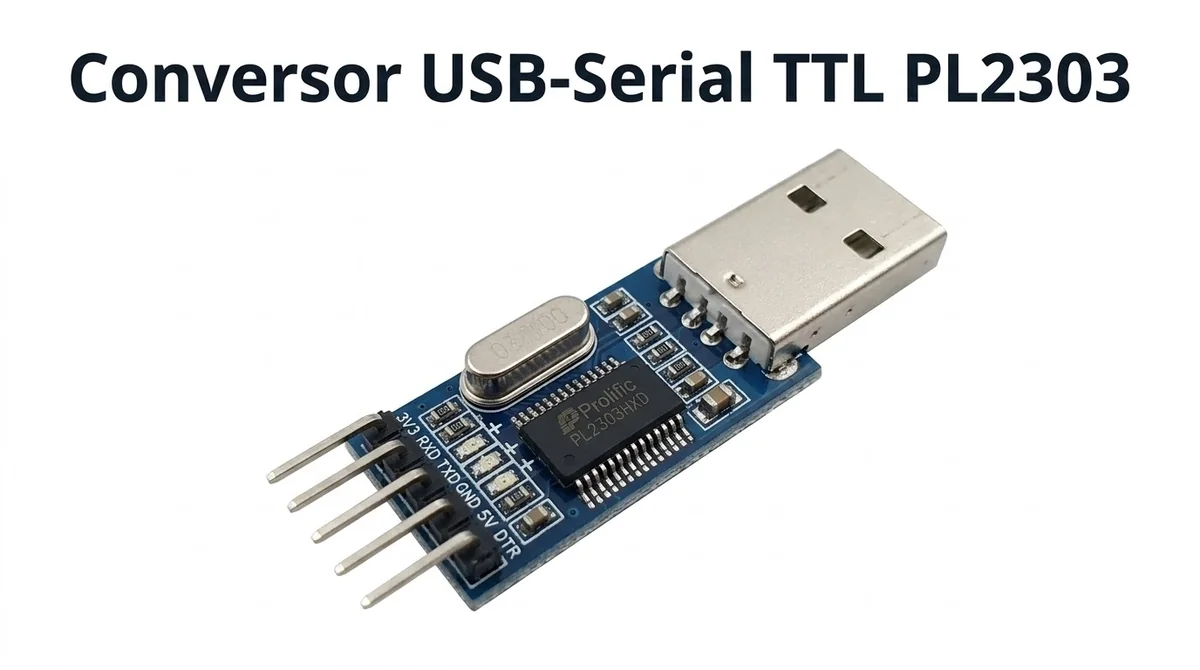
🔁 The PL2303 Prolific USB-to-TTL adapter (and USB-to-Serial cable) uses a popular bridge chip made by Prolific Technology. It lets modern computers connect to microcontrollers, STC/Arduino boards, set-top boxes and serial debugging ports over a normal USB connection. The driver must be installed so your operating system can recognise the adapter and assign a working COM port.
The official driver installer package normally contains:
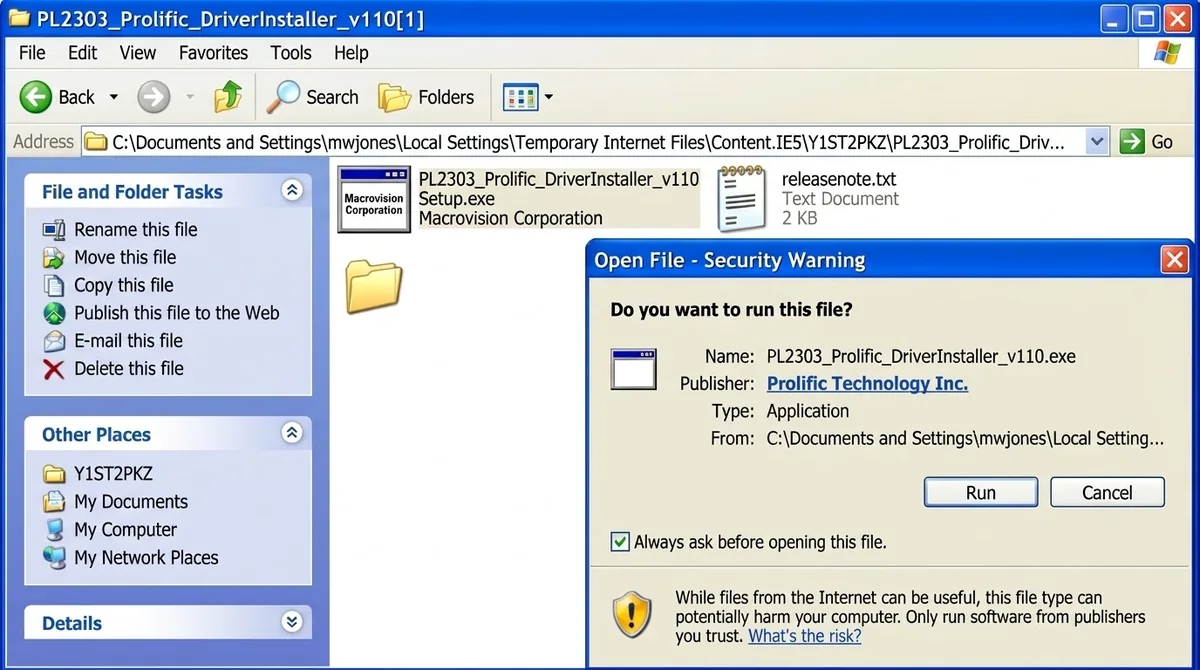
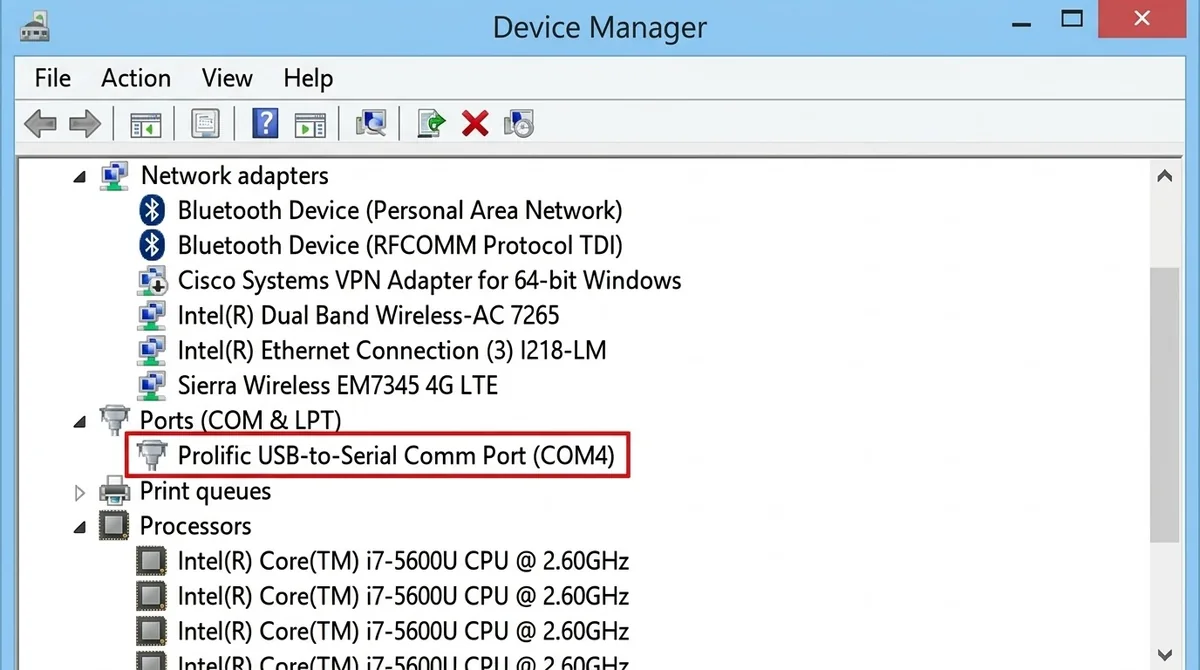
PL2303_Prolific_DriverInstaller_v110.exe (or the setup file) and choose Run as administrator. If a Security Warning asks "Do you want to run this file?", click Run.After the installation finishes, confirm the hardware is communicating properly:
| Driver | Downloads | |
|---|---|---|
| PL2303 USB to TTL | … | ⬇ Download |